 ALKNETWORK
 FortiGate Firewall: 5 Interview Questions You Should Know
Got an IT interview coming up? Don’t just memories commands—know what’s happening behind them. ...
Read moreSharing what we learn, build, troubleshoot and discover in the world of IT.

Got an IT interview coming up? Don’t just memories commands—know what’s happening behind them. 1. What is a firewall policy?A rule that...
by Adam Lokman
Read articleIT knowledge is often gained through years of solving problems, managing systems, and learning from real situations. Alknetwork provides a place to document that knowledge, revisit it when needed, and share it with others.
Learn from practical experiences, solutions, troubleshooting methods, and lessons gained from working with real IT environments.
Document your own solutions, configurations, commands, procedures, and technical notes so you can easily refer back to them whenever you need a refresh.
IT professionals face different challenges every day. Alknetwork brings these experiences together so one person's solution can become another person's knowledge.
Find step-by-step guides, technical references, commands, configurations, and solutions that can be applied to real IT situations.
Technology changes, but documented experience remains valuable. Keep your knowledge organized instead of relying only on memory.
All content is free to access — no paywall, no subscription.
It starts with a real problem, task, solution, or lesson learned from working in the IT industry.
The issue is investigated, tested, and resolved through practical troubleshooting, research, and hands-on experience.
The solution, process, commands, configurations, and lessons learned are documented clearly for future reference.
The knowledge is published on Alknetwork so others can learn from the experience, find solutions faster, and contribute their own knowledge.
Got an IT interview coming up? Don’t just memories commands—know what’s happening behind them. ...
Read more
IssueWhen opening a file from a SharePoint synced folder, the following error appears:"The source an...
Read more
When an employee resigns, one of the common Microsoft 365 administration tasks is removing their acc...
Read more
Some users may experience slow email loading or delays when opening emails in New Outlook for Window...
Read more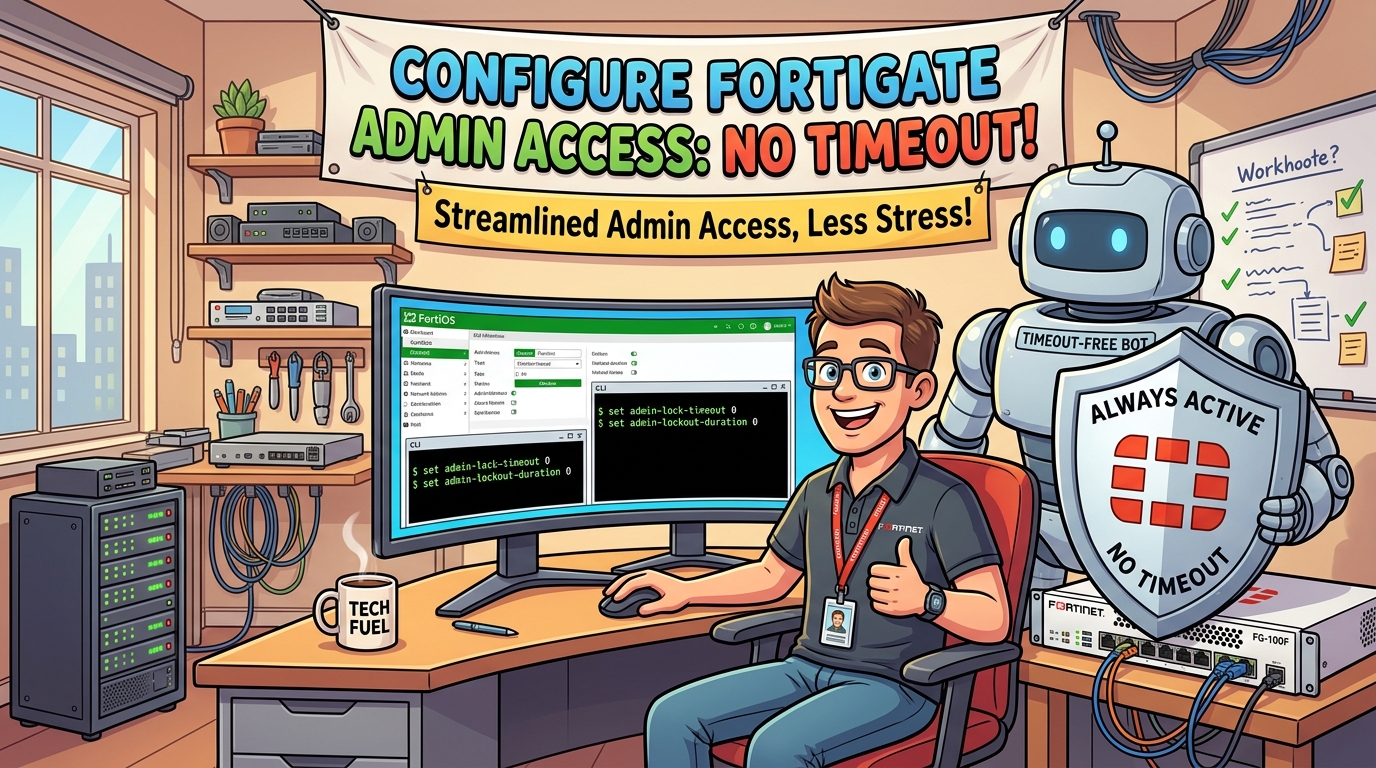
By default, FortiGate automatically logs out an administrator after a period of inactivity. The idle timeout can normally be configured from 1 to 480 minutes under the system settings.
Read more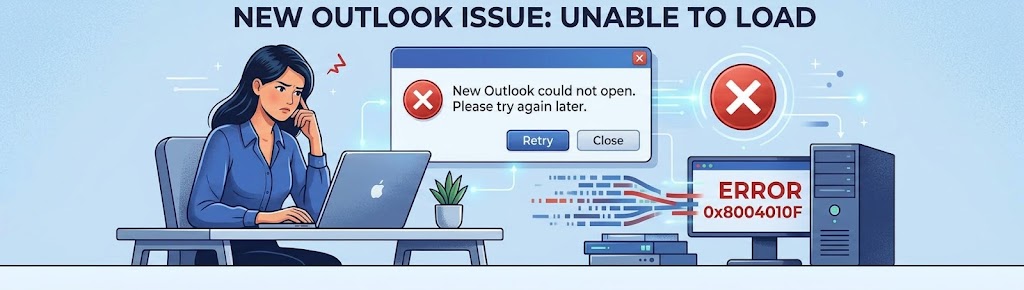
When New Outlook gets stuck on the initial loading screen (often displaying a spinning wheel or "Loa...
Read moreGet to know the writers behind every article on ALKNETWORK.