 ALKNETWORK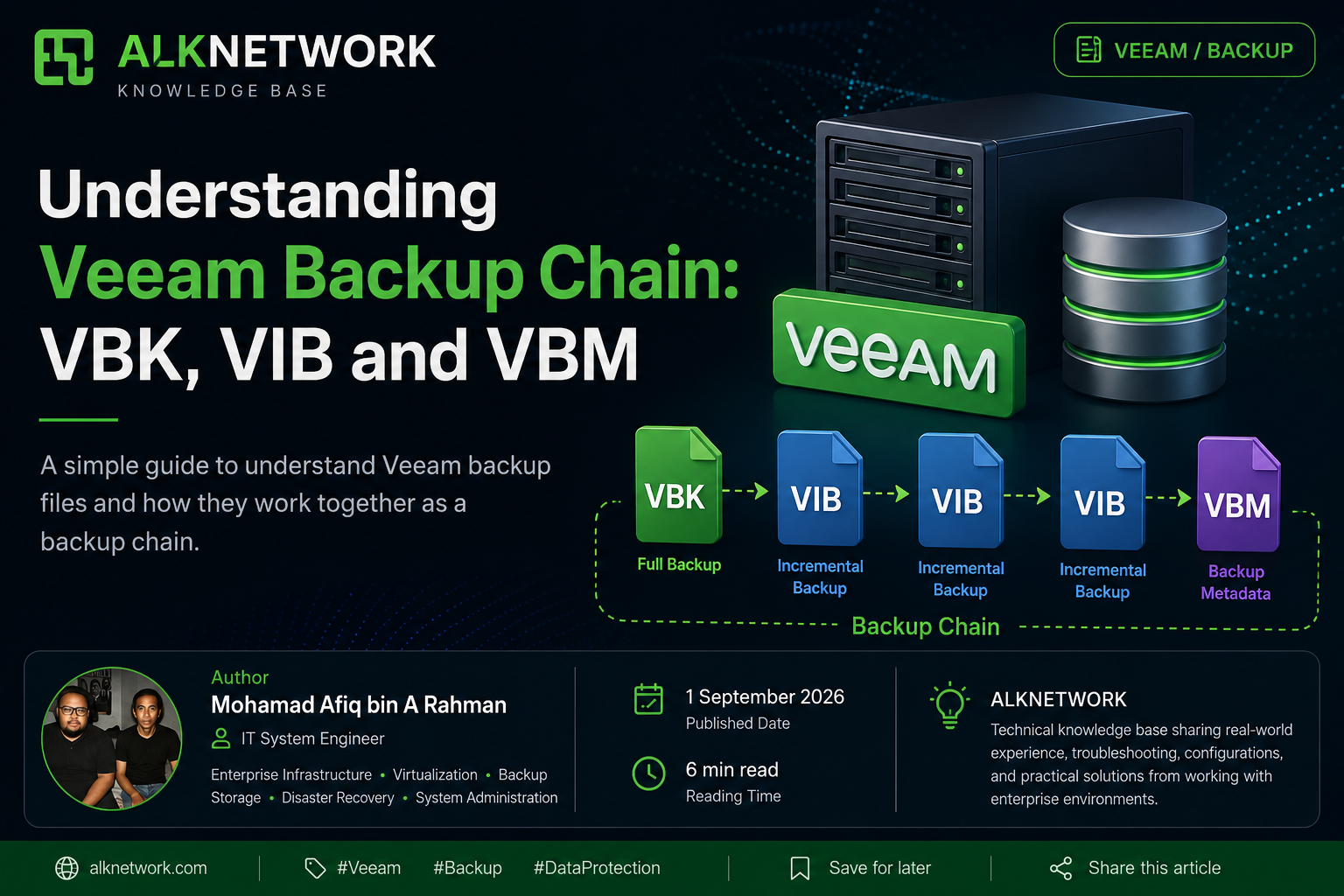
What is a Backup Chain?
A backup chain is a collection of backup files created by Veeam over multiple backup sessions.
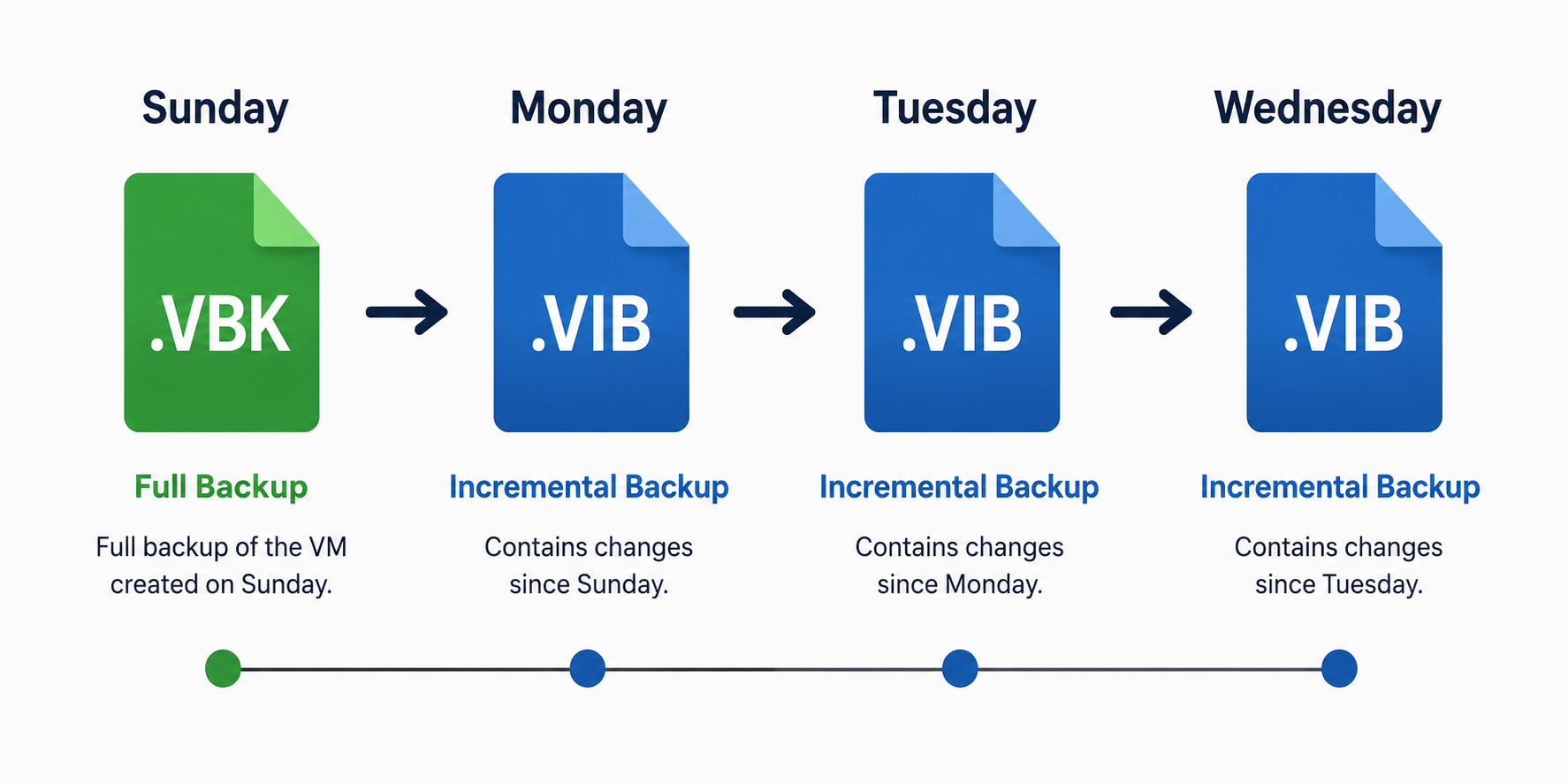
A simple example:
1. VBK - Full Backup
.VBK is the full backup file.
It serves as the starting point of the backup chain and contains the backup data for the VM at the time the full backup was created.
Example:
VM01.vbk
A full backup can be created as an Active Full or Synthetic Full, depending on the backup configuration.
2. VIB - Incremental Backup
.VIB is an incremental backup file.
It contains the data that has changed since the previous backup session.
For example:
Sunday - VM01.vbk
Monday - VM01.vib
Tuesday - VM01.vib
Wednesday - VM01.vib
Because it only contains changed data, an incremental backup is normally smaller than a full backup.
3. VBM - Backup Metadata
.VBM is the backup metadata file.
It contains information about the backup, such as:
- Backup job
- Protected VMs
- Restore points
- Backup files
- Backup chain information
The easiest way to remember it:
VBM contains information about the backup, not the actual VM backup data.
Example:
VM01.vbm
How They Work Together
These files work together to form a Veeam backup chain.
A simple example:
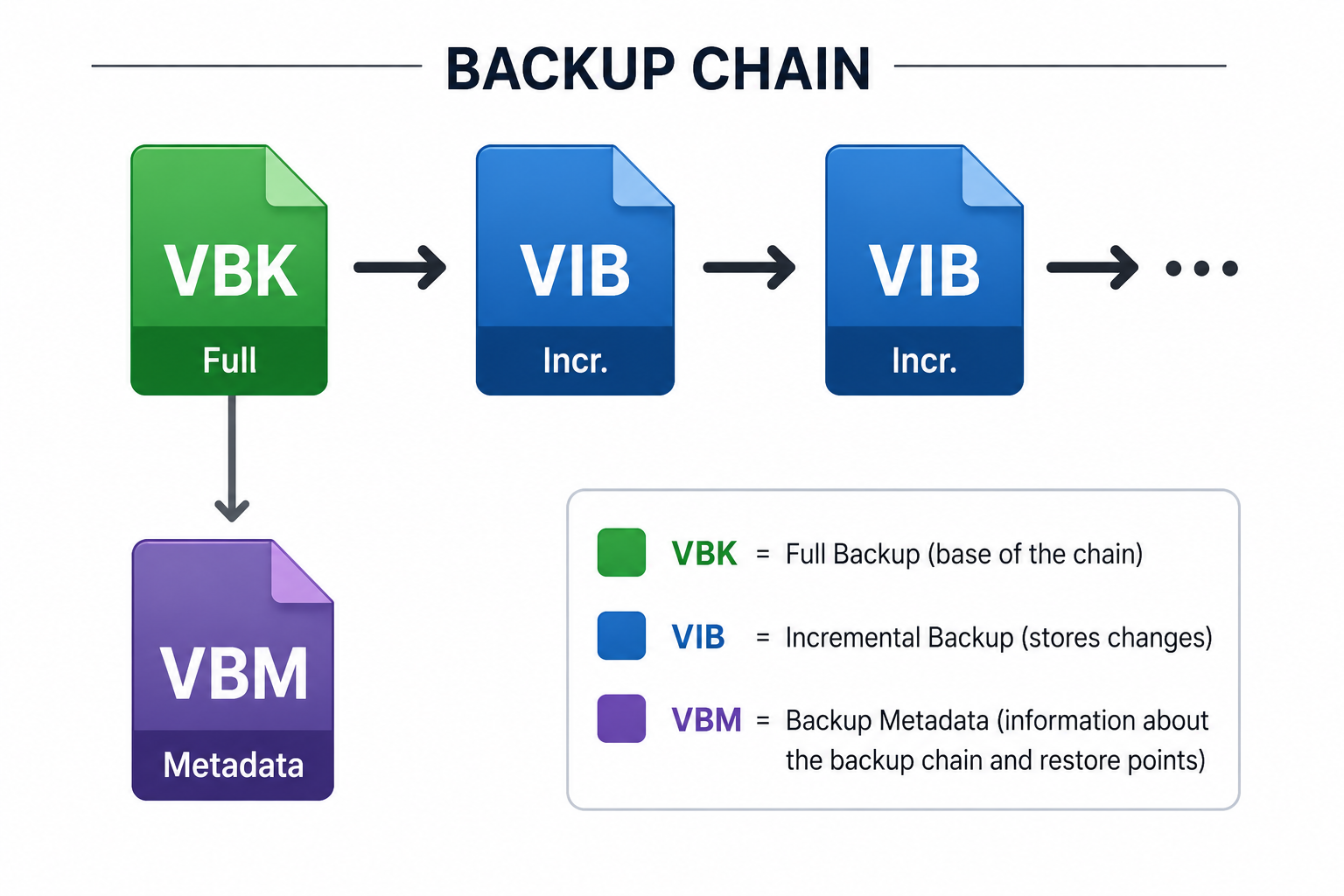
VBK provides the initial full backup.
VIB stores the changes from the previous backup.
Each VIB builds on the existing backup chain.
VBM stores metadata about the backup chain and restore points.
For example, to restore the Wednesday restore point, Veeam uses the required backup data from the chain, starting from the relevant full backup and incremental files.
Conclusion
Understanding the role of VBK, VIB, and VBM is essential when working with Veeam backup jobs. Each file has a different purpose, but together they form and manage the backup chain.