 ALKNETWORK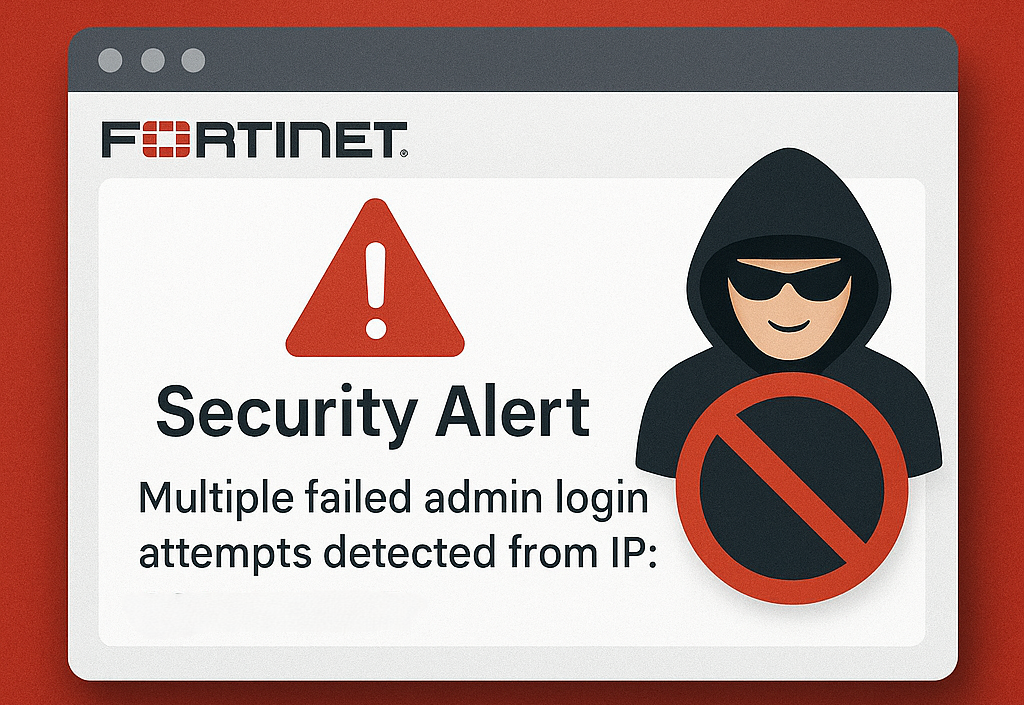
Message meets Alert condition
The
following critical firewall event was detected: Admin login failed.
date=2025-03-28 time=06:32:33 devname=XXXXX devid=FGXXXXX logid="0100032002" type="event" subtype="system" level="alert" vd="root" eventtime=XXXXXXXXXXXXXXX tz="+0800" logdesc="Admin login failed" sn="0" user="admin"
ui="https(XXX.XXX.XXX.XXX)" method="https" srcip=XXX.XXX.XXX.XXX dstip=XXX.XXX.XXX.XXX action="login" status="failed" reason="name_invalid" msg="Administrator admin login failed from https(XXX.XXX.XXX.XXX)
because of invalid user name"
This
indicated an unauthorized attempt to access the FortiGate Web UI via HTTPS from
the WAN interface. To mitigate this security risk, I decided to disable HTTPS
administrative access on the WAN interface.
Why
Disable HTTPS on WAN?
Exposing
HTTPS management access to the internet increases the risk of brute-force
attacks, unauthorized login attempts, and potential security breaches. By
disabling it, we achieve:
- Preventing
External Login Attempts – Blocks unauthorized access from the public
internet.
- Reducing Attack Surface – Eliminates an entry
point for hackers targeting admin credentials.
- Forcing Secure Access Methods – Encourages
the use of VPN or internal network access for firewall management.
Steps
to Disable HTTPS on WAN in FortiGate
To
enhance security, I disabled HTTPS access on the WAN interface by following
these steps:
Method
1: Using FortiGate Web UI
- Log in to FortiGate Web
UI from a secure internal network.
- Navigate to Network > Interfaces.
- Locate the WAN interface
and click Edit.
- Under Administrative
Access, uncheck HTTPS and any other unnecessary
services.
- Click OK to
save changes

Method
2: Using CLI (Command Line Interface)
Alternatively,
this can be done via CLI:
config
system interface
    edit "wan1"
        set
allowaccess ping
    next
end
Impact
of Disabling HTTPS on WAN
Pros:
- Strengthens firewall security against unauthorized logins.
- Prevents brute-force and credential stuffing attacks.
- Limits administrative access to internal users or VPN connections.
Cons:
- Remote access to the FortiGate Web UI via WAN is disabled.
- Requires VPN or internal access to manage the firewall.
Conclusion
Disabling
HTTPS access on WAN is a simple yet effective step to enhance firewall security
and prevent unauthorized access. Instead of exposing the FortiGate management
interface to the internet, it’s best to use VPN, IP restrictions, and
secure authentication methods for remote access.
By
implementing these security measures, I can ensure better protection for my
network and minimize risks from external threats.