 ALKNETWORK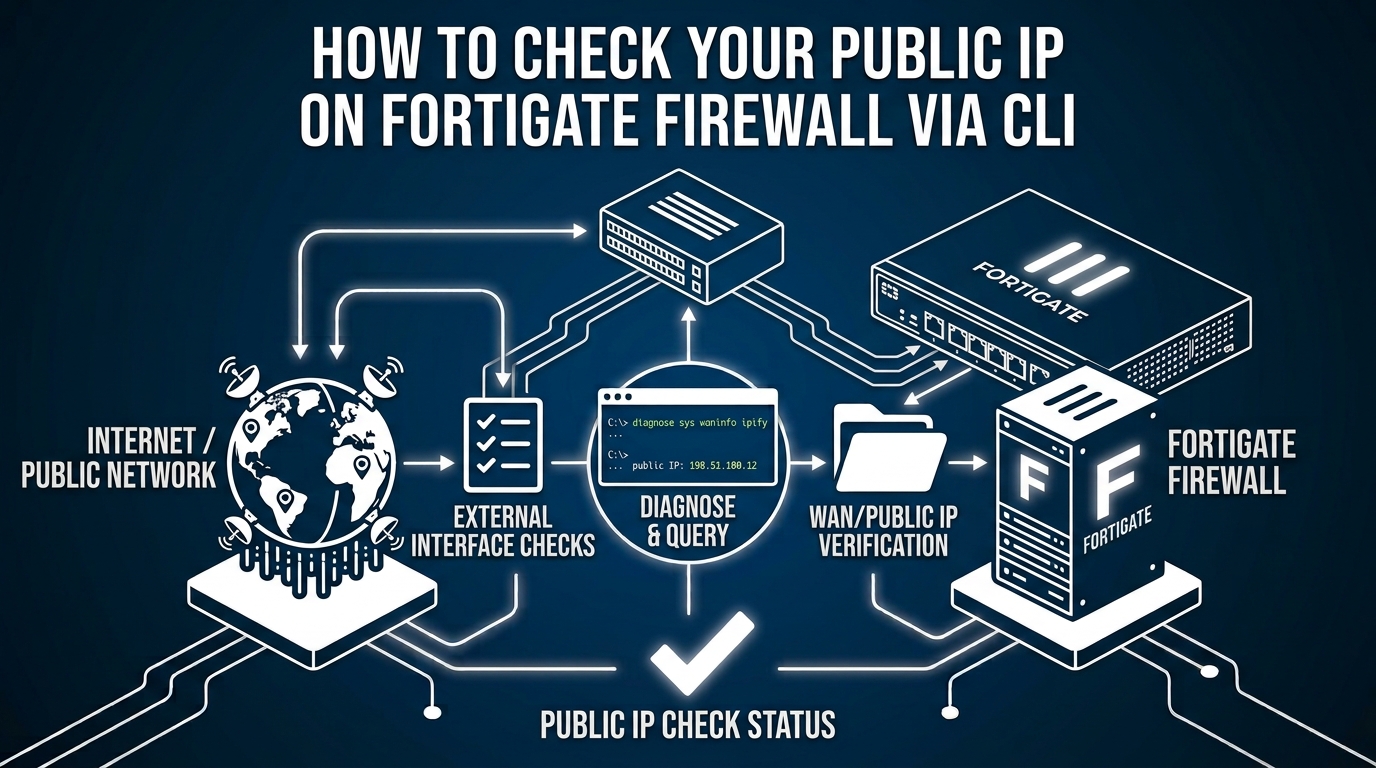
If you want to verify the actual WAN/public IP directly from the FortiGate CLI, you can check it using the following command.
Step 1 — Access FortiGate CLI
Connect to your FortiGate firewall using PuTTY, SSH, or Console.
Step 2 — Run the WAN Information Command
Enter:
diagnose sys waninfoThis command displays information about the FortiGate WAN interfaces, including the public IP address currently detected by the firewall.