

Scenario :
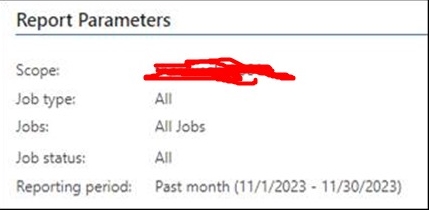
“VeeamOne reporting currently no showing backup job status start from November 2023 until now for backup server bckp01. Currently only shows 1 backup job instead of 46.”


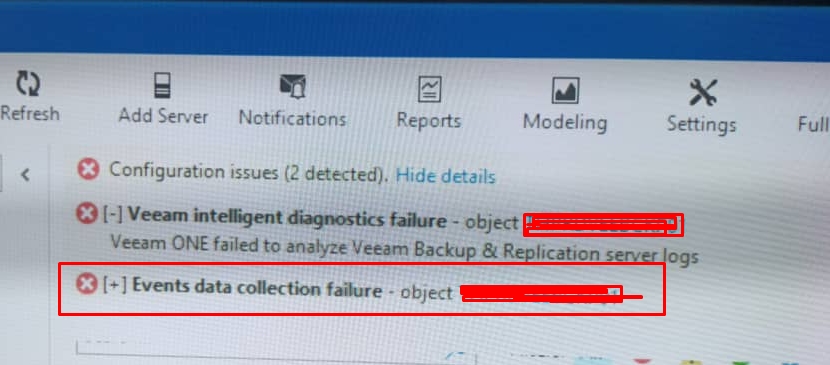
Error found in VeeamOne Web Client :
“Events data collection failure – Object bckp01”
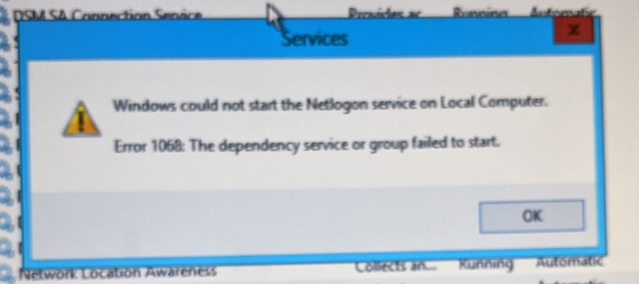
Check the necessary services related with VeeamOne from both server (VeamOne server & VBA)
- Services in Veeam One server is OK
- Services in VBA (Server bckp01) is cannot start :
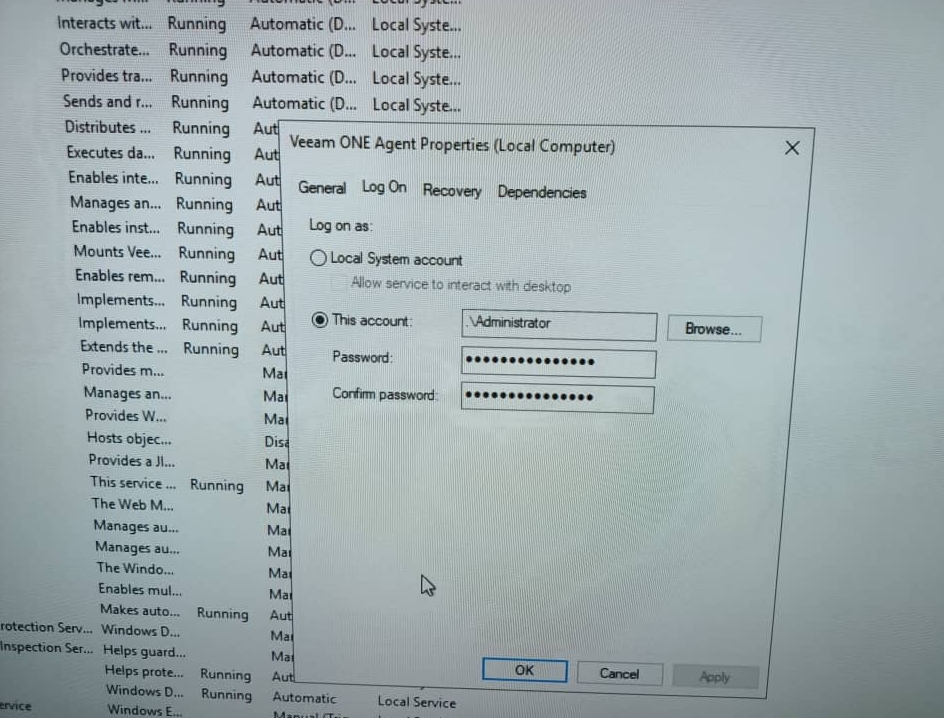
- right-click on the services > properties > Log On
- reset or update the local administrator password (in this case, the administrator password has been reset by others. but they not update to this part.)
- Once reset the local administrator password from User & Group , key in the latest password here and click OK :
- Next, go to VeeamOne Web Client, right-click to bckp01 > Edit connection > update the latest password
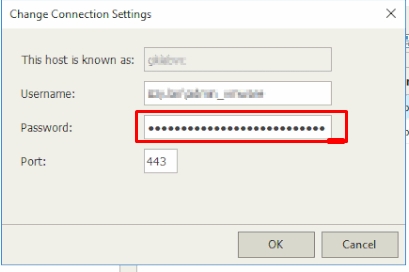
- Once update the credentials, you need to wait and refresh several minutes on VeeamOne Web Client until no error found.
- Next, Still at VeeamOne Web Client , At the top right corner of the Veeam ONE Web Client window, click Configuration.
In the Configuration menu on the left, click Data Collection. - you need to rescan the server bckp01. It may takes several minutes to completed.
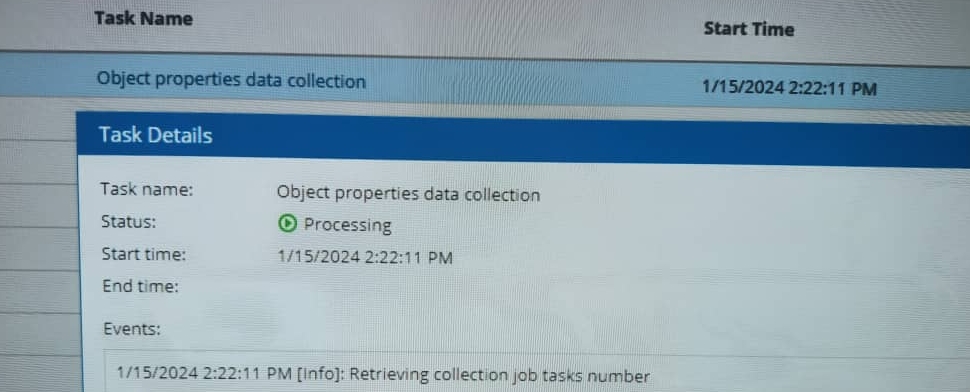
- Once done, VeeamOne backup is now able to generate from date range as needed. done

