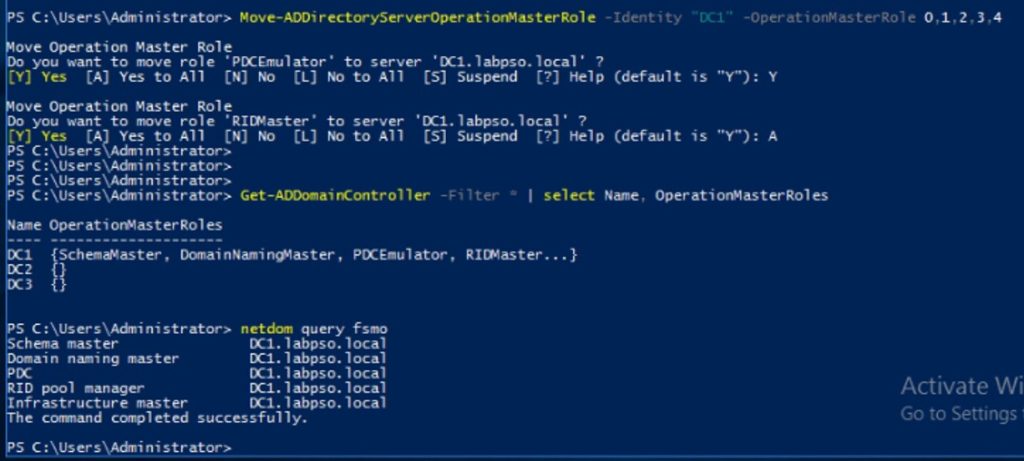

In this scenario , I have two DC (DC1 and DC2). I Need to change all roles into DC1.

Note :
0 = PDC Emulator
1 = RID Master
2 = Infrastructure Master
3 = Schema Master
4 = Domain Naming Master
1. Run PowerShell as administrator and use command as below :
Move-ADDirectoryServerOperationMasterRole –Identity "Target_DC_Name" –OperationMasterRole 0,1,2,3,4
Example :
 Move-ADDirectoryServerOperationMasterRole –Identity "DC1" –OperationMasterRole 0,1,2,3,4
3. Press Y for each or A for all.
4. To verify that the roles have transferred, type the following command:
Get-ADDomainController -Filter * | Select Name, OperationMasterRoles
Or also can use :
Netdom query fsmo